Article contents:
Registering for the Customer Portal
File a support ticket
Troubleshoot login issue
The Lookout Way Customer Portal is your dedicated space for managing all your support needs. It's your central hub where you can:
-
Track all support tickets
-
Submit new tickets
-
Reply to existing tickets
Registering for the Customer Portal
If you are a Lookout Customer, you can register for the customer support portal using your company domain email. Follow the following steps:
Navigate to the Customer Portal or click this link.
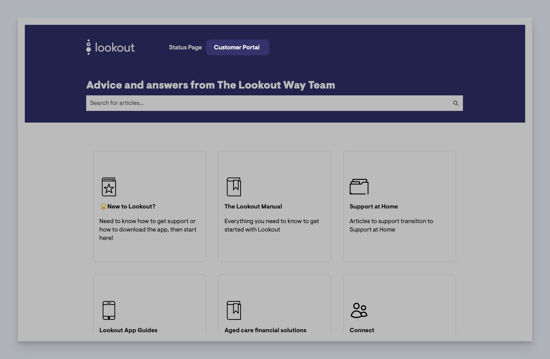
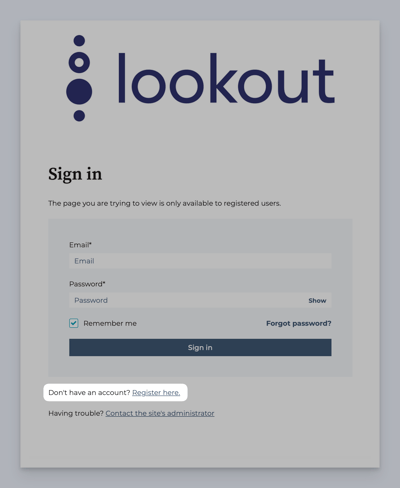
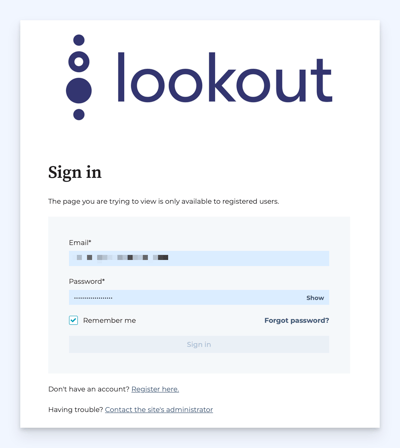
If you have already created a sign in, log in here with your details. Otherwise, please click the Register here link.
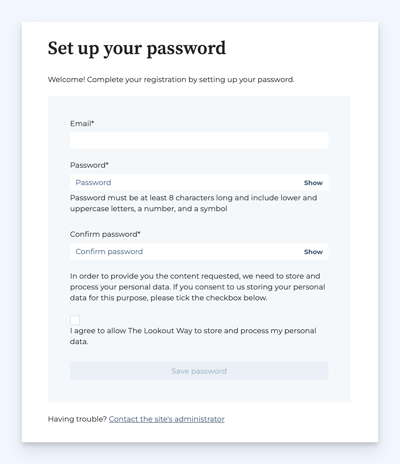
Complete your registration by inputting your email and password. Press the Save password button to continue.
A new screen will load asking you to confirm your email address before continuing.
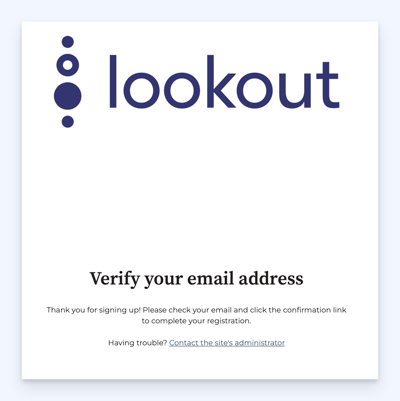
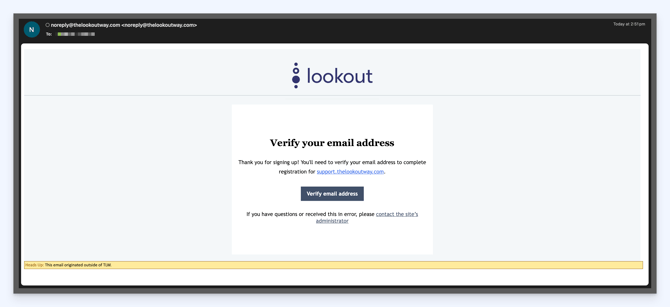
The email may take a few minutes to come through, however once received, please click the link within the email to verify.
You will then be redirected back to the customer portal, where your email address will be confirmed. Click the Sign in button to continue.
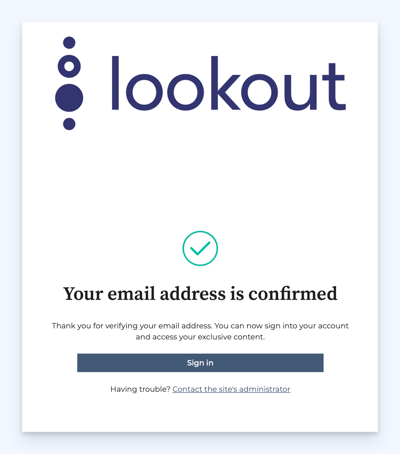
You will then be redirected back to the customer portal, where your email address will be confirmed. Click the Sign in button to continue.
File a support ticket
4. Fill out the Form to file a support ticket
Enter all required details, including:
- A clear description of the issue
- Steps to reproduce the bug
- Any screenshots or files that help explain the problem
Once you are happy, click the blue Next button to continue.
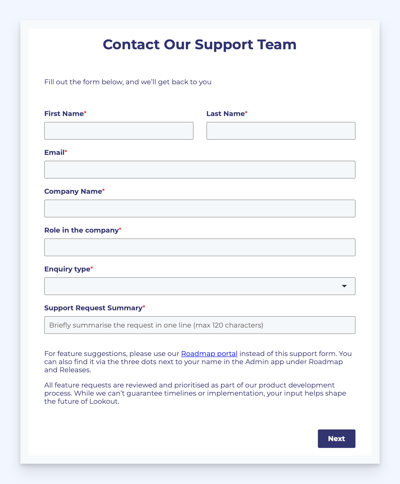
Please then fill in all fields to the best of your ability and attach any files that will help us understand your query on the next screen. Click the Next button again when ready to submit.
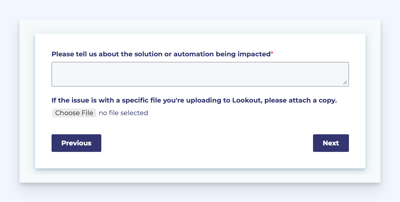
After submitting your report, you'll receive a confirmation email acknowledging that your support request has been received. We’ll be in touch as soon as possible. Additionally, you can track the status of your request(s) through the Customer Portal.
Troubleshoot login issue
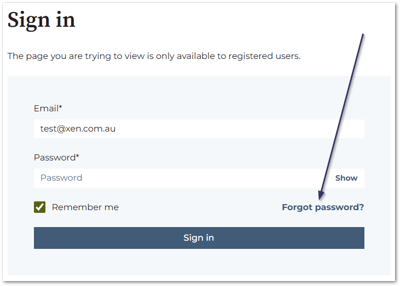
If you've logged in before but can't access your account now, please reset your password.
- In the customer portal login page (link), click 'Forgot password':
- Enter your email address:
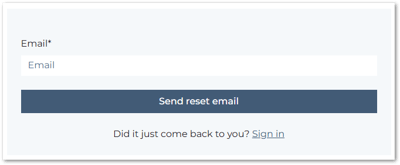
- If you already have an account, a password reset link will be sent to your email: